





We provide all our clients with access to the server console via the VNC protocol.
In fact, it is the same as a KVMoIP connection for dedicated servers: with the VNC console you can see what is happening on your virtual machine's screen and control it just as if you were sitting right in front of it.
For example, you can watch the OS boot process, boot into Safe Mode, disable a firewall or antivirus that accidentally blocked network access to the server, fix network settings and much more.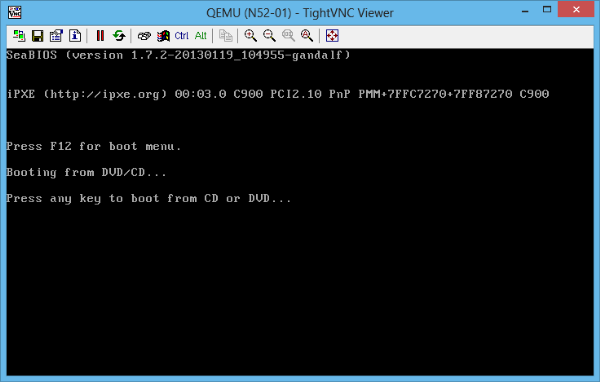
In fact, you can perform any operations that normally cannot be done remotely. For example, if you need some special OS, attach the required installation ISO image, then boot the server from it via the VNC console and install that OS yourself.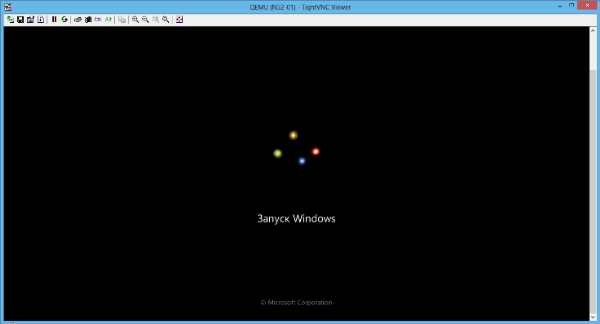
You should also use the VNC console when you cannot connect to your server over the network: with it you can check for yourself what is happening to your server and why it is unavailable, and fix the problem.
Important: for keystrokes to be passed to the server correctly when working with VNC, on your computer you must have the English (EN) keyboard layout enabled!
Information on how to connect to the VNC console can be found here. This service is free of charge.
See also: Frequently asked questions about working with the VNC console
- 197 Users Found This Useful
